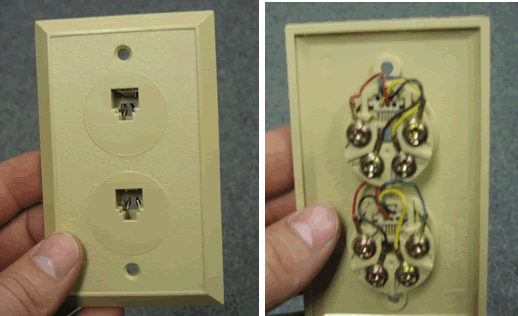
Find a standard telephone jack. This is a two port jack but only the top one will be used.
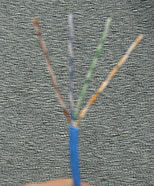
Find some wire to use. You can use the cross-connect wire supplied with your phone system or you can cut a piece of spare wire. Make sure the wire has a solid core and is not stranded, stranded wire does not make a good connection on the 66 block.
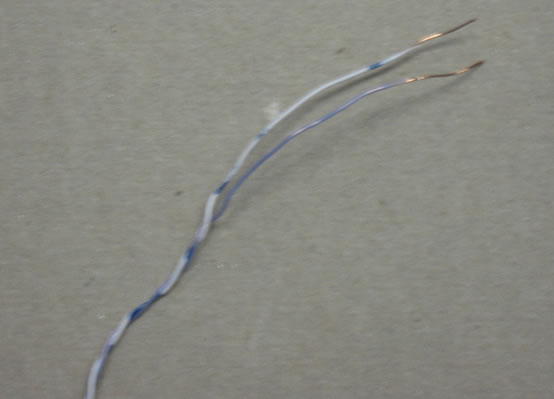
Strip the wire so the copper is exposed.
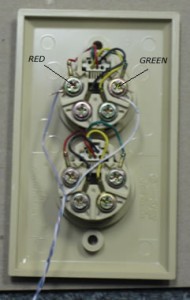
Connect the stripped wire to the Red and Green terminals on the jack.
Connect the other end to the 66 block at the extension you are testing. In this example we are checking extension 201.
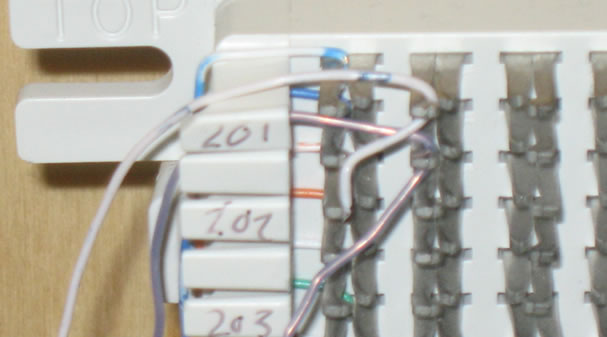
Punch down the wires using the punch down tool provided. If you do not have a punch down tool scroll down to see how to connect the wires without a punch down tool.
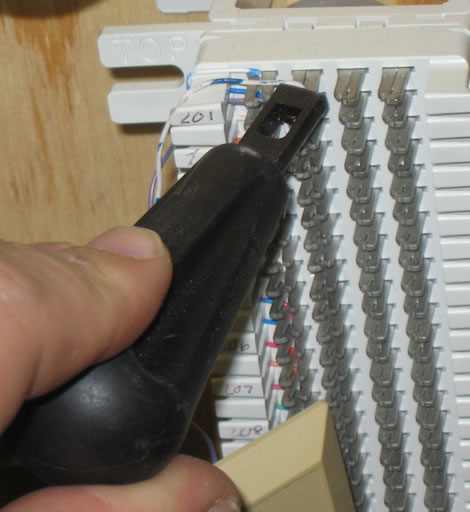
If you do not have a punch down tool you can twist the wires onto the 66 block. Try not to touch the wires together.
Now plug a phone into the front of the jack. If your phone works the phone system is OK and there may be an issue with the cable.
Business Phone Service
With Intermedia Unite, there is no phone system hardware to buy, install, manage, upgrade or replace. Combines your phone system, chat, video, screen sharing, file management and conference calling into a seamless business phone service that fits with your business size, needs, and work style.

Technical Support
Need help? Our technical support staff is certified on all Samsung, NEC DSX, NEC SL1100, NEC SL2100, NEC SV8100 and NEC SV9100 telephone systems. We can walk you through programming changes or troubleshooting over the phone or connect to your telephone system remotely.

