To change the time and date on a Samsung iDCS100, OfficeServ 7100, OfficeServ 100, OfficeServ 7200, OfficeServ 7400, iDCS500, 50si, DS616 and iDCS16 you must first log into admin programming:
- Leave the handset down and press Transfer 200
- Enter the pass code (1 2 3 4 by default)
- Press 1 and then Speaker
Once you are in programming mode follow these steps to change your time and date:
- Dial 505
- Enter the day of the week (Monday is 1, Tuesday is 2, Wednesday is 3, etc.)
- Enter 2 digits for the Month
- Enter 2 digits for the Day of the Month
- Enter 2 digits for the Year
- Enter the hour in 24-hour format
- Enter the minutes
- Press Transfer to exit
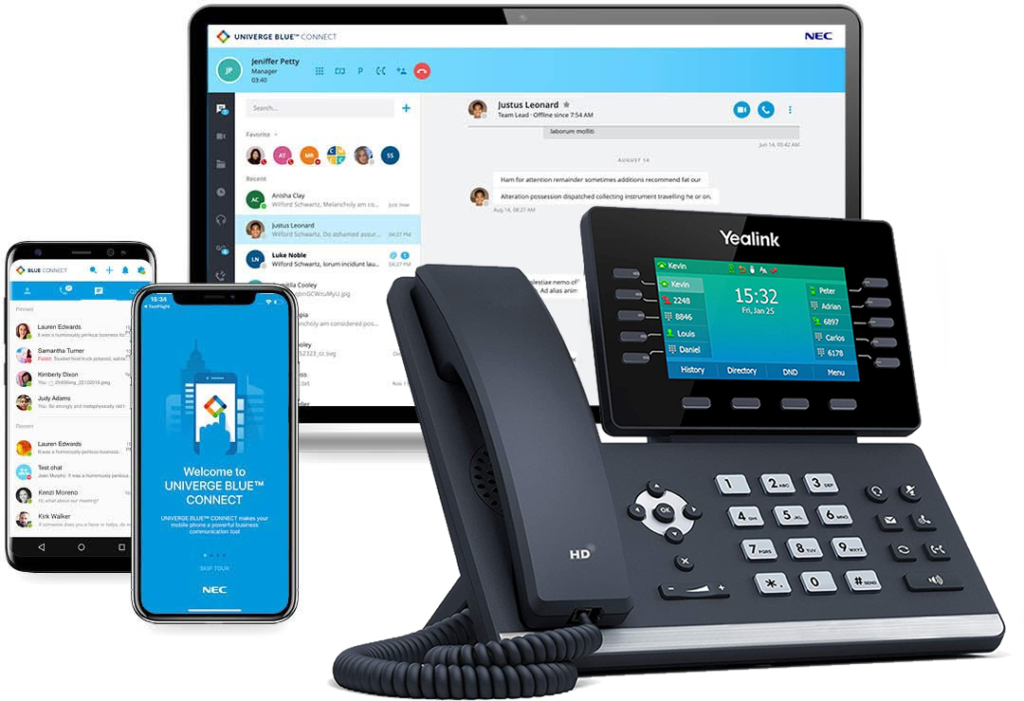
Business Phone Service
With Intermedia Unite, there is no phone system hardware to buy, install, manage, upgrade or replace. Combines your phone system, chat, video, screen sharing, file management and conference calling into a seamless business phone service that fits with your business size, needs, and work style.

Technical Support
Need help? Our technical support staff is certified on all Samsung, NEC DSX, NEC SL1100, NEC SL2100, NEC SV8100 and NEC SV9100 telephone systems. We can walk you through programming changes or troubleshooting over the phone or connect to your telephone system remotely.
