These are instructions on changing the Day and Night greeting for a Samsung Officeserv phone system that uses a Samsung SVMi voicemail. These instructions will work on most OfficeServ 7100 phone systems, OfficeServ 7200 and7400 phone systems, OfficeServ/iDCS 100 and OfficeServ/iDCS 500 phone systems.
First log into the Admin Mailbox
- Press the VOICEMAIL button.
- You should hear “Enter Passcode”
- Press “*” (asterisk) and you should hear the main greeting “Thanks for calling…”.
- Press “#0000” to access the system administrator mailbox and you should hear “Enter the passcode”.
- The default passcode is 0000 (NOTE: it is possible to change this passcode so if 0000 does not work contact the company that installed your phone system).
You should hear “Welcome to the system administrator main menu, for system prompts press 1”.
Find the greeting you want to record
- Press “1” and you should here “Enter the prompt number”.
- Dial 1001 for the DAY prompt or dial 1002 for the NIGHT prompt.
- Press 1 to listen to the existing prompt.
- To re-record the prompt press 3.
- When done press the # key to end recording.
TEST your new recording.

Samsung OfficeServ Technical Support
Need Samsung OfficeServ Technical Support? Our technical support staff is certified on all Samsung phone systems. We can walk you through programming changes or troubleshooting over the phone or connect to your telephone system remotely.
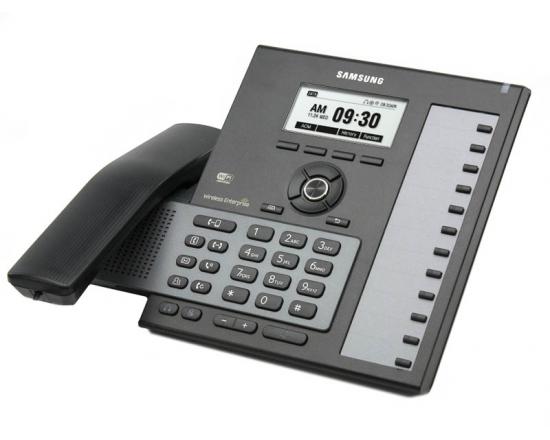
Samsung OfficeServ Telephones
Samsung OfficeServ Telephones
