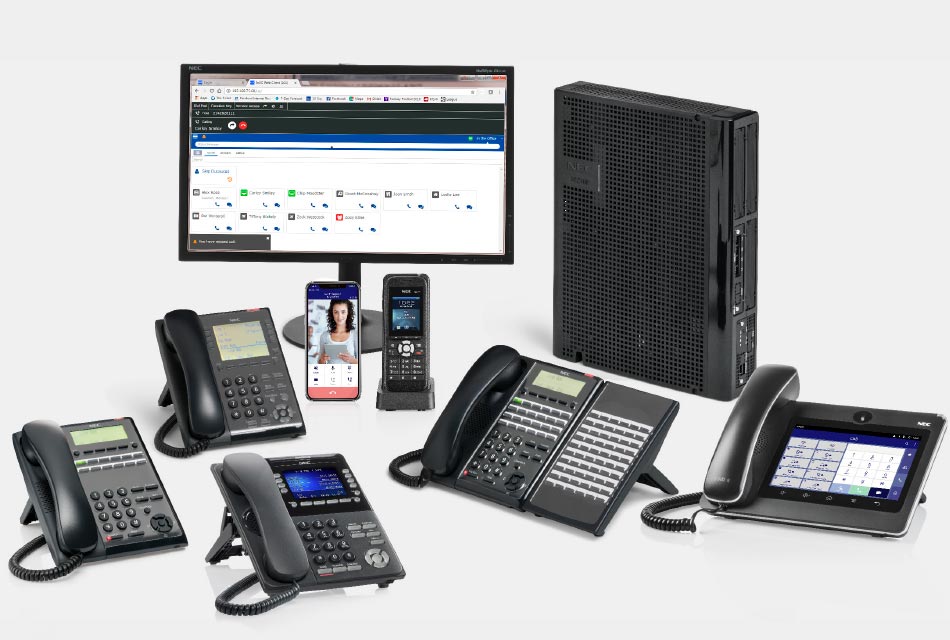
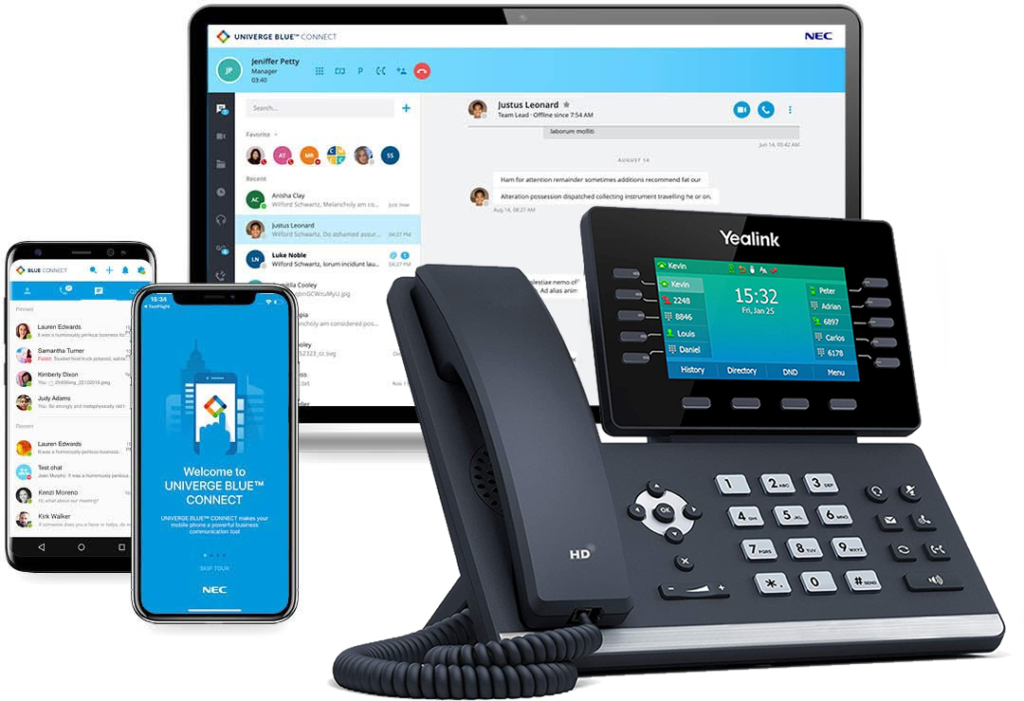
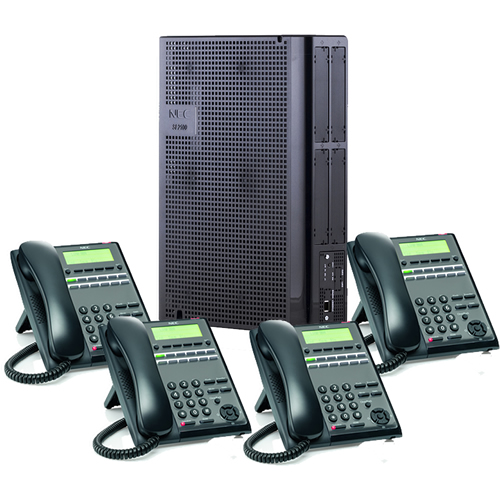
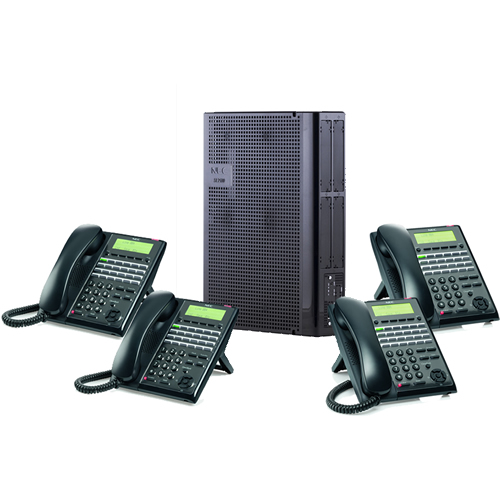
NEC DSX software version 3.11 preview

DSX System Software Version 3.11 is an important new release that features three major VoIP enhancements: Peer-to-Peer communication between IP extensions, NAT Traversal with Any Router, and Improved ATA and SIP SLT Support.

In addition to multiple bug fixes, DSX System Software Version 3.11 also provides the new IntraMail Message Review feature, enhanced Cascading Message Notification with IntraMail Pro, and improved maintenance functions when used with System Administrator 3.11 or higher.

DSX Software version 3.11 is currently in Beta.

Important New System Features

Peer-to-Peer (p2p)

IP keysets, ATAs, and SIP SLTs connected to another SIP device in the same office do not use VoIP Gateway circuits. They communicate p2p instead. This means you can have 32 SIP devices in an office talking to each other and never use up a VoIP License.

A VoIP License is still required, however, when a SIP device is:

  • On an outside call.
  • Participating in a Conference.
  • Using Room Monitor.
  • Using an IntraMail mailbox or leaving a message.
  • Calling a SIP device in another office. -  For example, if an on-premise IP keyset calls an IP keyset in a remote office, each IP phone requires a VoIP License.

By default, Peer-to-Peer is enabled for all IP extensions. The system will automatically switch VoIP gateways in and out as required by the call state.

NAT Traversal With Any Router for DSX IP Keysets

NAT Traversal is available with any router without programming. You no longer have to limit your remote offices to the two LinkSys routers we previously recommended.

To set up NAT Traversal:

  • On the phone system router, forward UDP ports 5060 (SIP) and 1024-1088 (RTP) to the DSX system IP address.
  • On the DSX IP Keysets, use IP Keyset firmware 1.0.7.2 or higher.
  • Improved ATA (Analog Telephone Adapter) and SIP SLT Support

Major improvements have been made to the DSX integration with third-party ATAs and SLTs. In general, ATAs and SIP SLTs work the same as local analog single line sets.

Internal Modem Automatically Disabled when VoIP Daughter Board Installed

To protect the viability of VoIP resources when the VoIP Daughter Board is installed, the internal modem is automatically disabled. The reliability of DSX VoIP could be compromised if both were enabled simultaneously.

Hot Dial Pad Follows Prime Line

If an extension has Hot Dial Pad enabled 2111-11:Hot Dial Pad and a Prime Line Set in 2114-01: Prime Line, any digits the user dials on the dial pad will go out over the Prime Line. In prior versions, Hot Dial Pad would always follow Intercom Prime Line.

Hotline Keys for Voice Mail Ports

An extension user can assign IntraMail ports (501-508) to Hotline keys in Menu: Key Assignment: Feature Keys (Menu + 51). This can be a useful visual tool for monitoring voice mail port usage.

Additional Silence Elimination for Messages

IntraMail will automatically remove 4.5 seconds of silence from any message recording that is paused due to silence. In addition to cleaning up normal messages, it will also help to eliminate “hang up” messages because they will be too short to be saved.

Important New IntraMail Features

Message Review

After a caller leaves a message they can review their message before sending. After reviewing the message they can rerecord it, erase it, or send it to the recipient unchanged. Message Review is available to both co-workers and outside callers.

Cascading Message Notification Enhanced

For added flexibility, IntraMail Pro Cascading Message Notification now allows multiple cycles through the list of destinations. You can, for example, have notification cascade through each destination once and then repeat the cycle. Additionally, the number of busy and RNA attempts per destination can be from 1-99, and the total number of notification cycles can also be from 1-99. This allows for very complex notification cascades if the site requires.

The meaning of the following timer has changed to accommodate these enhancements.

4202-06: Maximum Attempts sets how many times Message Notification cascades through the list of destinations.

IntraMail Maintenance and Prompt Update Features

System Software 3.11 enables all the System Administrator Version 3 Maintenance and Prompt Update features. This includes:

  • Copying, moving, and erasing mailboxes.
  • Deleting voice prompt sets that are already installed (e.g., to make more message storage room).

Automated Attendant Call Progress Tone Detection

If an outside line without loop disconnect supervision is answered by the Automated Attendant, and caller hangs up, Call Progress Tone Detection will detect the busy, reorder, or dial tone on the line and hang up. This prevents the call from timing out to the Dial Action Table Timeout destination and, in some configurations, inadvertently setting up a loop.

Software Corrections

* Multicast Paging for All Page Zones

Multicast Paging is now implemented for zone page as well as all call. In prior releases, Multicast Paging was inadvertently restricted to All Call only. This caused zone paging to be unavailable to IP keysets.

* T1/PRI Firmware 4.4

T1/PRI Card Firmware 4.4 corrects the following issues

  • Allows backplane synchronization with multiple cards.
  • Enables Presentation Restriction in outbound Caller ID.
  • Handles Disconnect with Cause if Release is received prior to Call Proceeding.

Comments are closed.


Recent Articles

  • NEC DSX Email Synchronization

    Email Synchronization synchronizes the status of a voice mail message delivered by IntraMail Email Integration with the message recipient’s email inbox. When Email Integration is enabled and the Sync when Read disposition option is chosen, the status of the voice message is shown in the user’s email client when the message is opened. For example: [...]

  • NEC DSX Wakeup Call

    The new Wakeup Call feature provides Wakeup Call capability for Motels and Bed & Breakfast establishments. Wakeup Calls are conveniently entered by request from the web-based Wakeup Call Manager at the facility front desk. Once a Wakeup Call is set, DSX automatically rings the room telephone at the designated time. When the guest answers, a [...]

  • NEC DSX Phone Manager Extension and Name

    After logging in to the NEC DSX Phone Manager the first category under the features heading is Name and Login.  This screen will let you assign a name to your telephone extension, change your 4-Digit pin code and change the display language for your phone. Name – Changes the name displayed on your telephone.   [...]

  • NEC DSX Phone Manager

    With the release of software version 3.21.23 NEC has  added the ability for a user to customize their telephone’s features using the DSX internal web browser.  There is no special software to install on the user’s PC. To access the DSX Phone Manager, the extension user just needs to know the IP address of the [...]

© 2012 NEC DSX Telephone System All rights reserved. Powered by Wordpress. Designed by Woo Themes