Find the Right Telephone Systems for Your Business
Choosing the right telephone system shouldn’t be complicated. Whether you want the simplicity of cloud VoIP, the control of an on-premise PBX, or a hybrid solution that keeps your existing phones working, we help you select and deploy the Telephone Systems that fit your business, your budget, and your workflow.
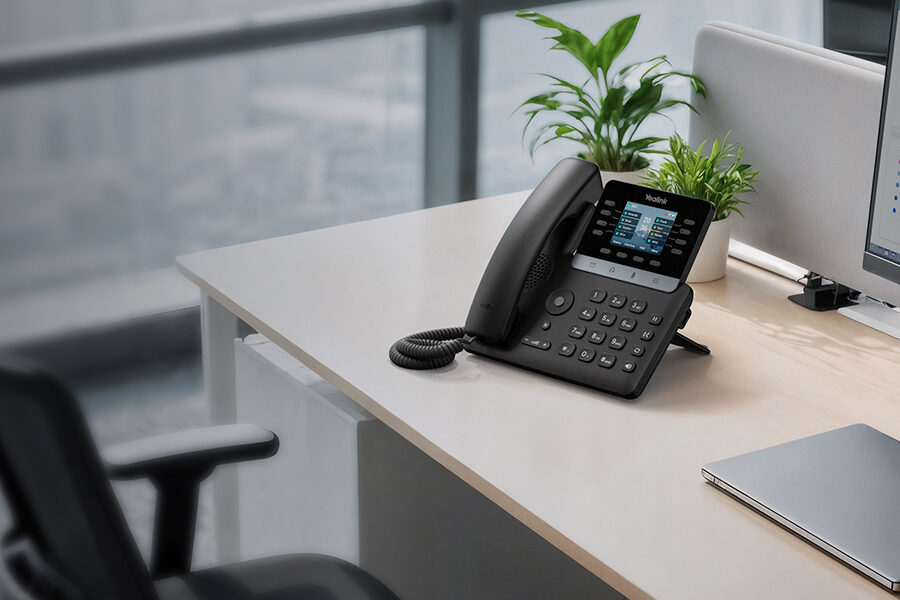
Intermedia Unite is a fully cloud-hosted phone system built for businesses that want reliability without managing equipment. Ideal for remote teams, growing companies, and multi-location organizations.
- No on-site hardware required
- Free phones included with most plans
- Mobile & desktop apps for anywhere calling
- Built-in video meetings & chat
- Automatic updates & maintenance
- Fast deployment — often same day
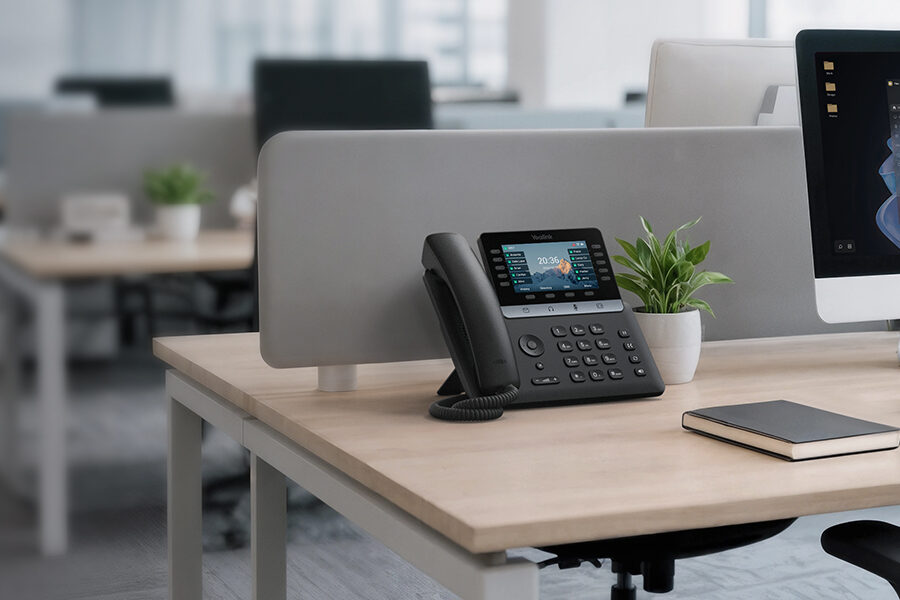
Yeastar gives businesses complete control over how their phone system is deployed. Choose cloud for convenience, on-premise for control, or self-hosted for maximum customization.
- Cloud, on-premise, or self-hosted
- Advanced call routing & IVR
- Built-in call center features
- CRM & Microsoft Teams integration
- Works with any SIP trunk provider
- Scales from small offices to large enterprises
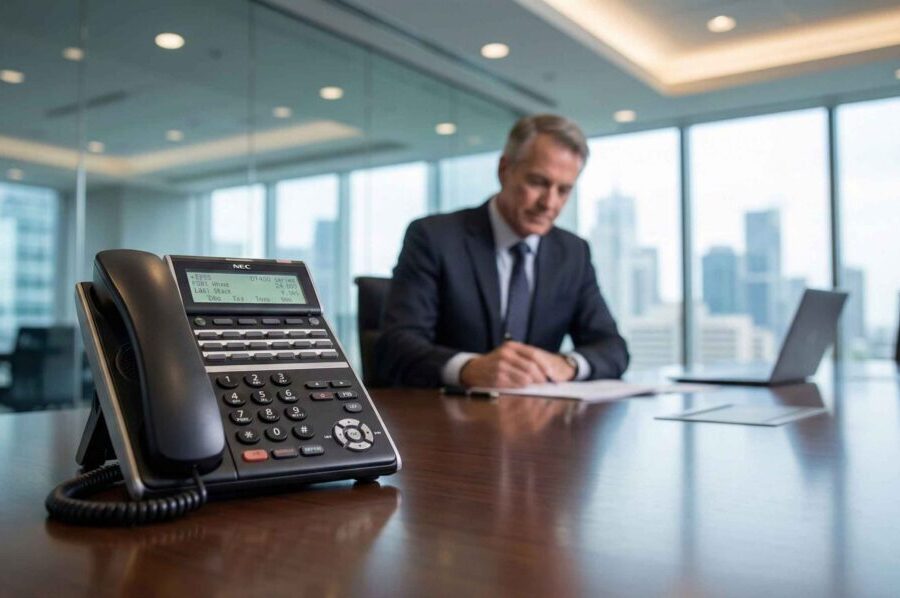
E-MetroTel Infinity is the perfect upgrade path for businesses still using Nortel or Avaya systems. Keep your existing phones while adding modern VoIP features, mobility, and unified communications.
- Keep existing Nortel/Avaya phones
- Add VoIP, mobility & UC features
- Hybrid deployment (digital + IP)
- Lower upgrade cost vs full replacement
- Ideal for schools, government & long-running systems
| System | Best For | Deployment | Key Strengths |
|---|---|---|---|
| Intermedia Unite | Remote teams, small business | Cloud | Zero hardware, free phones, easy setup |
| Yeastar P-Series | Businesses needing control | Cloud / On-Prem / Self-Hosted | Flexible deployment, contact center features |
| E-MetroTel Infinity | Nortel/Avaya upgrades | Hybrid | Keep existing phones, add modern features |
Plug & Play Telephone Systems
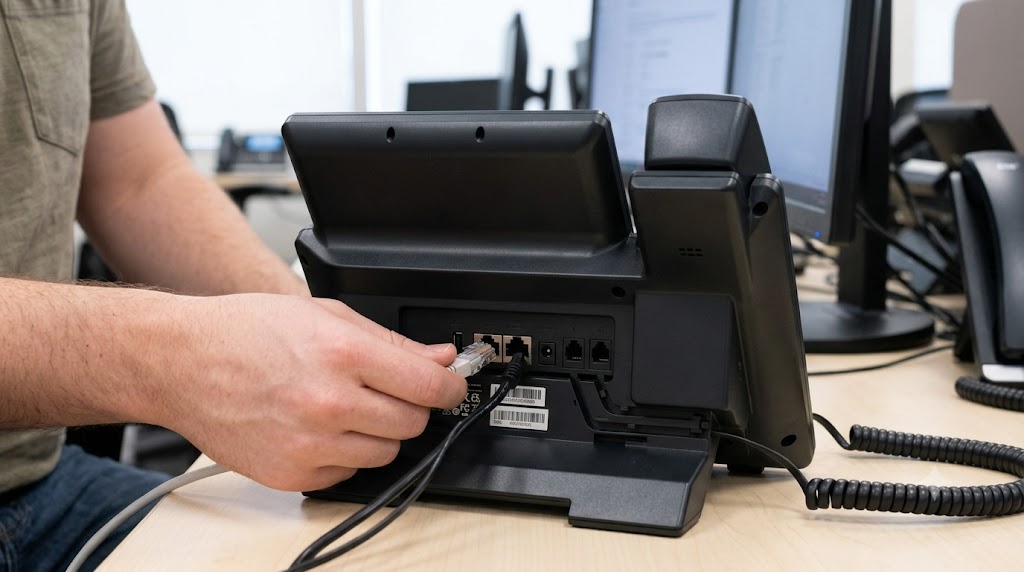
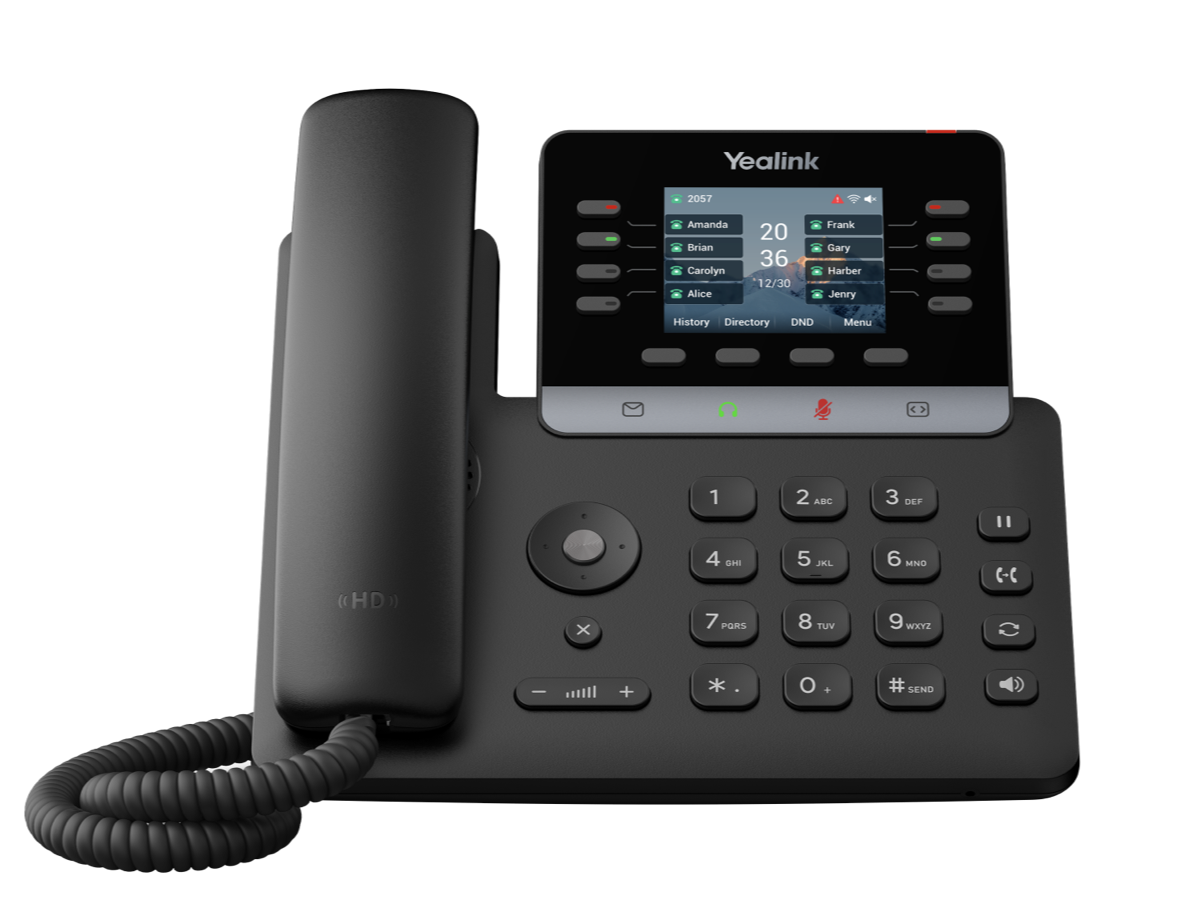
- Unlimited lines, 4 Yealink T73W Phones
- Mobile & desktop apps for anywhere calling
- Professionally recorded Day and Night Greeting
- Free Music on Hold upload
- Low up front cost
- Unlimited Tech Support
- Fast deployment
- 4 CO Lines, 4 Yealink T73U Phones
- Works with any SIP trunk provider
- Professionally recorded Day and Night Greeting
- Free Music on Hold upload
- Custom Programming
- 1 Year Unlimited Tech Support
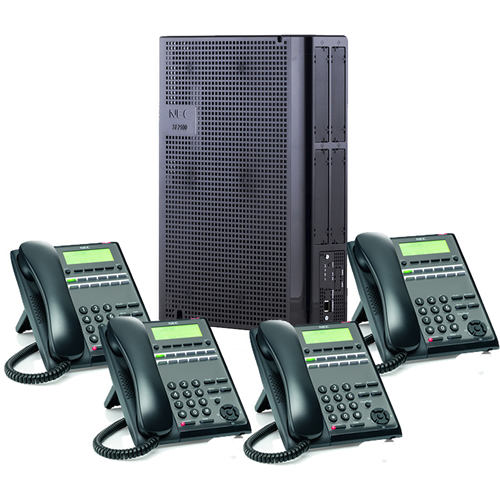
- 3 CO Lines, 4 NEC 12-Button Phones
- Professionally recorded Day and Night Greeting
- Free Music on Hold upload
- Custom Programming
- 1 Year Unlimited Tech Support
- 6 CO Lines, 6 NEC 24-Button Phones
- Professionally recorded Day and Night Greeting
- Free Music on Hold upload
- Custom Programming
- 1 Year Unlimited Tech Support
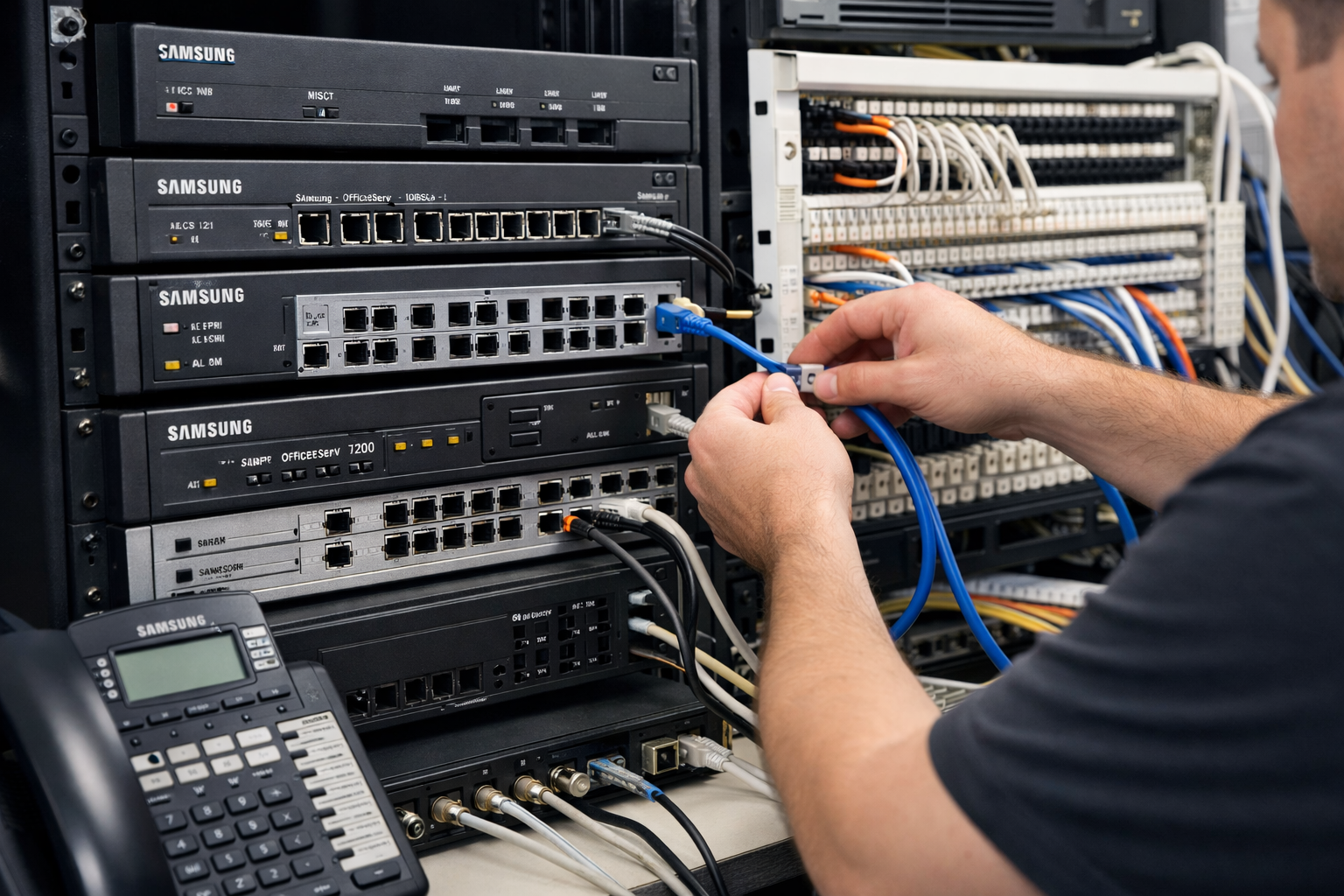
Legacy System Technical Support & Programming
Not Sure Which System Fits Your Business?
Talk to our experts and find the perfect fit for your business.
Get Your Free ConsultationNeed A Custom Quote?
We’re ready to help with answers to your questions or a fast, no-obligation quote. Use the contact form below or call us at 407-818-1997, Option 1.